

Theming
Settings (v0.2.2)
theme
| Value | Behavior |
|---|---|
"os" | Follows the OS Light / Dark setting |
"light" / "dark" | Forces a specific theme |
When "os" is set, the app follows the OS theme in real time, even if it changes while the app is running. OS-drawn native chrome, such as the title bar, also switches to match the resolved theme.
Appearance on macOS (Light / Dark)
| Light (Japanese) | Dark (English) |
|---|---|
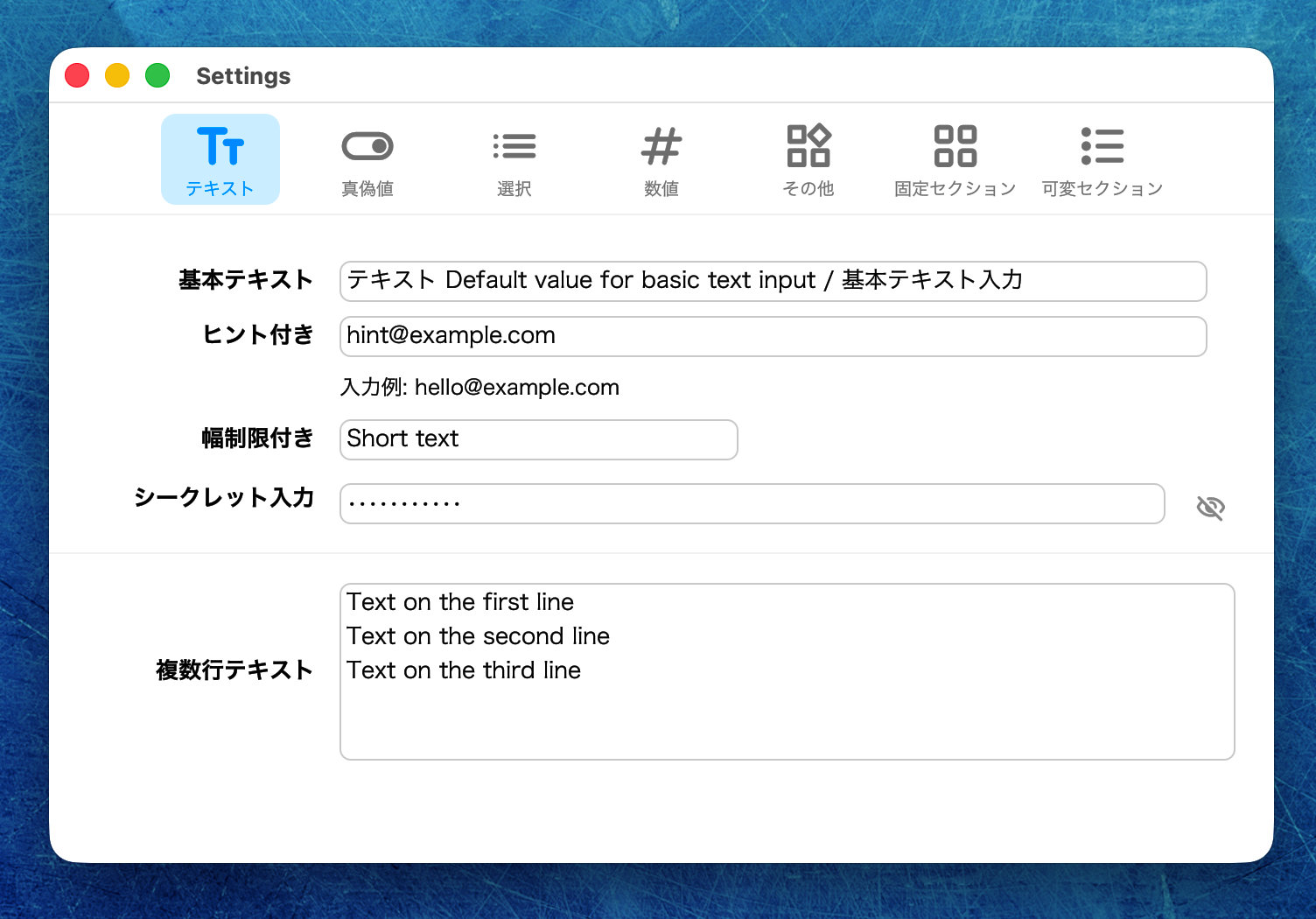 | 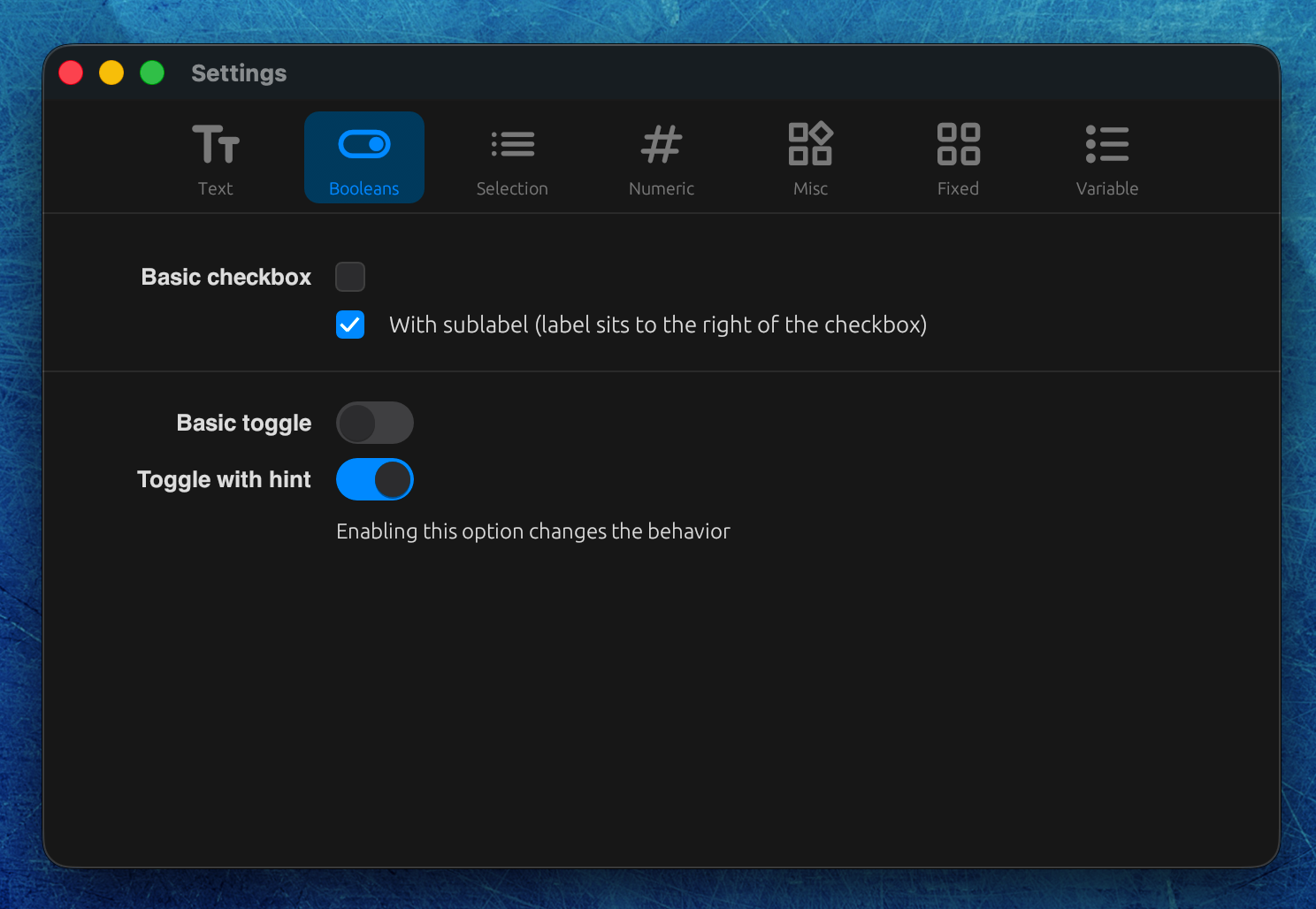 |
Color fields
Five items can be overridden: background_color, accent_color, text_color, tab_text_color, and selection_bg_color. All values are #rrggbb (CSS hex colors; alpha is not supported).
Values written at the top level apply to the light theme, and values in the [dark] table apply to the dark theme.
toml
theme = "os"
accent_color = "#009bff"

[dark]
background_color = "#1e1e1e"
text_color       = "#e0e0e0"
For any item without an override, the built-in color palette (light or dark) is used as-is. The same applies if the [dark] table is omitted entirely — the built-in dark colors are used.