

Validation
Settings (v0.2.2)
Added in v0.2. Field values can be validated using CEL (Common Expression Language) expressions.
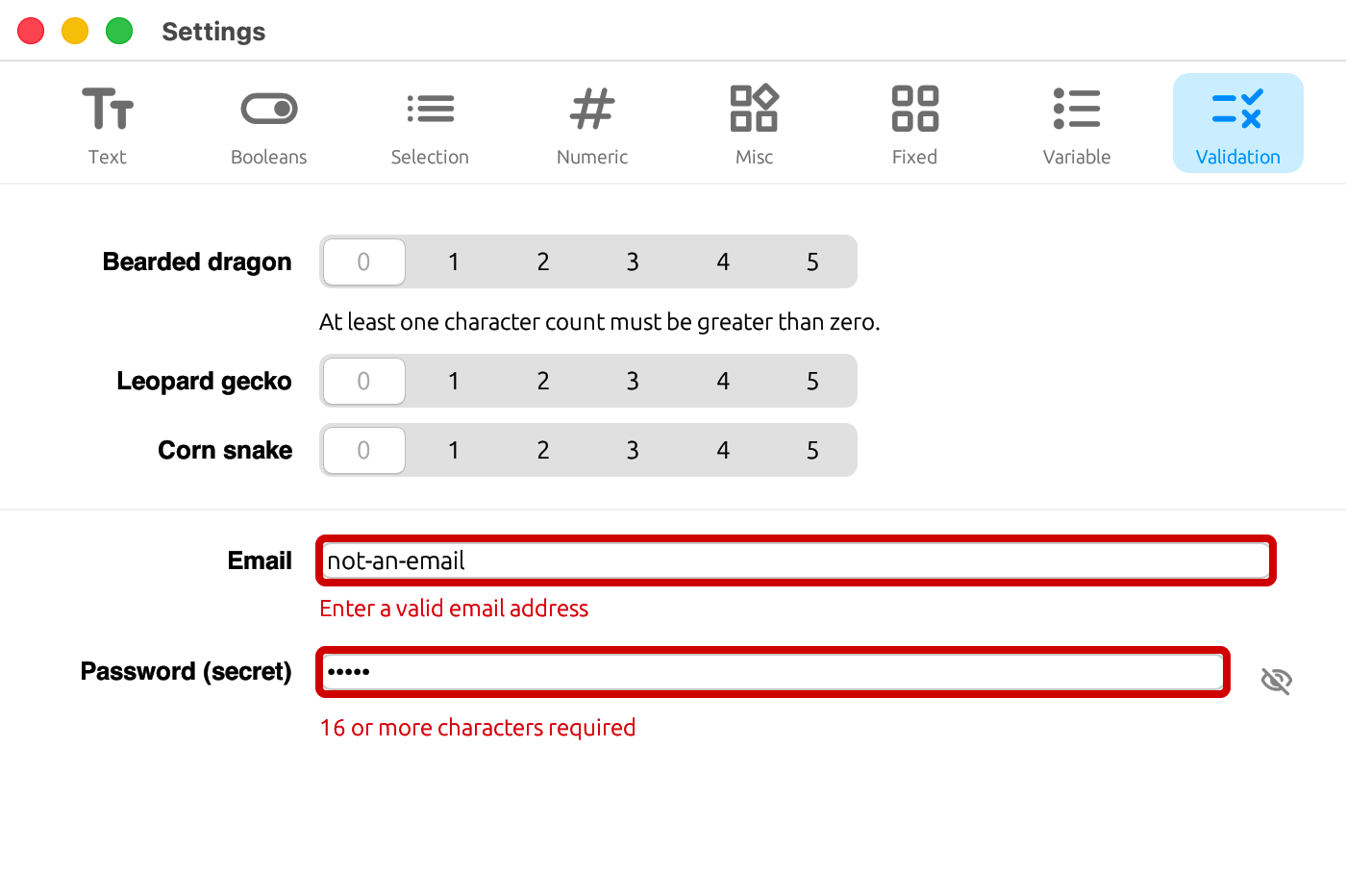
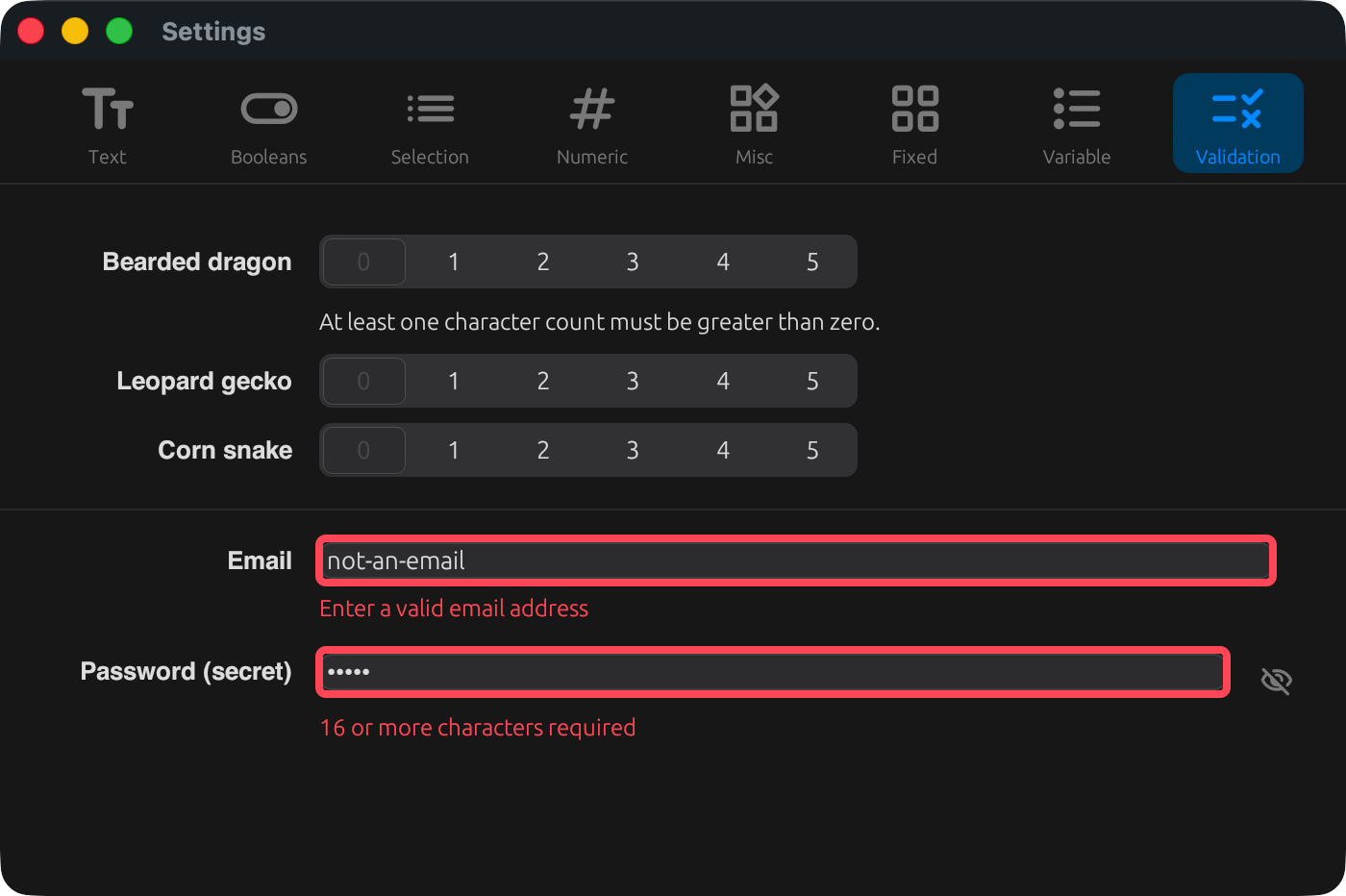
Named constraints ([[constraints]])
You can define reusable, named validation rules at the top level of the schema.
toml
[[constraints]]
id      = "email_format"
expr    = "validation.email.matches('^[^@\\\\s]+@[^@\\\\s]+$')"
message = { en = "Enter a valid email address", ja = "メール形式で入力してください" }| Field | Description |
|---|---|
id | Identifier, unique within the schema |
expr | A CEL expression returning bool. References values from the config file as the root context |
message | Message shown below the field on violation (localizable). Required when referenced from validate |
Applying to a field (validate)
Reference a constraint id by string, or write the expression and message inline on the field.
toml
[[tabs.fields]]
key      = "validation.email"
widget   = "text_input"
validate = ["email_format"]

[[tabs.fields.validate]]
expr    = "validation.password.size() >= 16"
message = { en = "16 or more characters required", ja = "16文字以上必要です" }- When multiple rules are given, all of them are evaluated, and the messages for every violated rule are shown
- Saving (whether via OK / Apply or auto-save) is blocked while any violation remains
- Fields with violations get an error-styled border
Disabling options (option_states)
Available only for segmented_control and select. Lets you gray out specific options based on a condition.
toml
[[tabs.fields.option_states]]
value = "0"
when  = "chars_min_one"   # references an [[constraints]] id

# Or write an expression directly:
# enabled = "some.other.field > 0"
when (a reference to a constraint id) and enabled (an inline expression) are mutually exclusive — specify only one.
Static schema validation (at development time)
A CLI called settings-schema-checker is available for checking schema consistency (references, CEL syntax, etc.) without building the GUI. See Building for details.